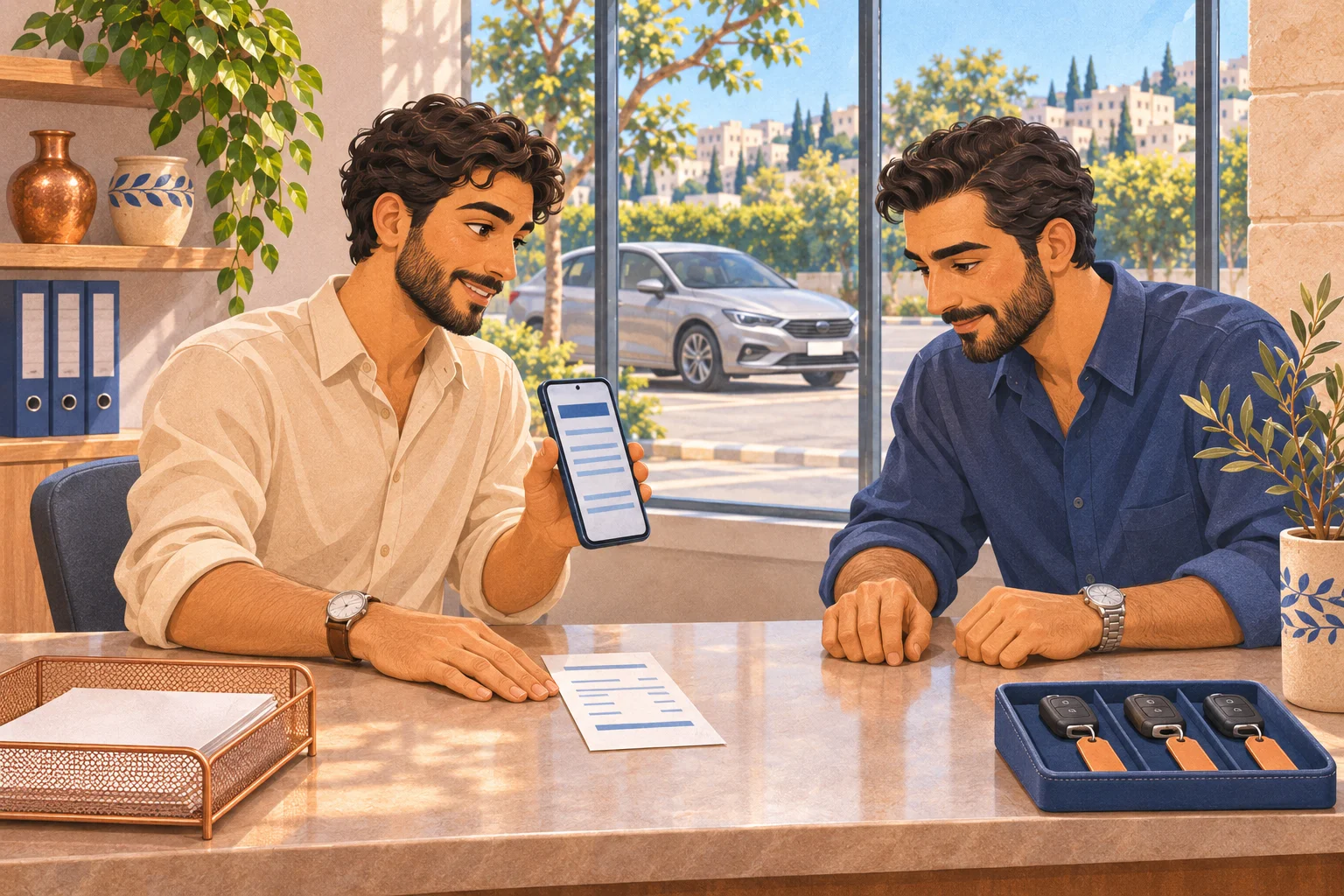

An old customer returns, the employee enters their name differently, a new profile is created, and bookings become split between two records. The opposite is also possible: two names are similar, and the employee selects the wrong person's profile. What is required before creation is a brief search using more than one reference, with a calm review of the differences instead of relying on the name alone.
Search before filling out a new form
Start with the tools available in the customer list, such as the name or phone number, then review the results within your permissions. Try the correct number format with the country code when needed. The existence of a potential record does not mean it is the same person; open it and verify the data permitted for use in matching before linking the booking to it.
Distinguish between similarity and identity
Family members may share a contact number, and a customer may change their number or the way their name is written. A shared phone number is not always sufficient for merging, and a difference in one letter does not always justify creating an additional record. Review the relevant data set and request clarification from the customer when necessary without revealing another person's data.
Review the alert instead of bypassing it
The customer creation form in Fleetraly includes checks for the possibility of duplicate data. Treat them as an invitation to review, not as definitive proof that the two records belong to one person. If verification is impossible or the search fails, do not change a correct number to bypass the alert. Wait for the necessary information or refer the case to the supervisor.
| Customer profile review Simplified illustration | ||
|---|---|---|
| Customer | Phone | Document reference |
| Similar records | ||
| Search for the customer profile before creating an additional record | ||
| Review customer data and identification references in Fleetraly before adding a new profile, and verify differences without merging people with similar names. | ||
| Create your account See how it works | ||
A common example when changing a phone number
A former customer has a booking saved with an old number and returns now with a new number. If you confirm their identity according to the approved procedure, review updating the contact data in their correct profile instead of creating a profile that separates their history. If the match is not confirmed, leave the difference documented for review; name similarity does not allow transferring one person's bookings to another.
What do you review before correcting a record?
- Does the person's identity match according to the approved data?
- Is the difference a genuine update or an entry error that requires a document?
- Will the change affect communication or existing bookings?
- Who has the authority to edit and what is the reason for the correction?
- Does a history remain that can be referred to in order to understand what changed?
Do not assume automatic merging exists
If you discover two records for one person, review the procedure supported by the company and the software before any modification. Do not delete one of them randomly or move balances manually to hide the problem. This guide does not assume that merging files is available or appropriate for every case; the most important thing is to preserve references, bookings, attachments, and permissions.
Make the result of the review clear to the next employee: which record is used and why, what data was corrected, and what remains unresolved. In this way, data quality improves without coming at the expense of the customer's history or privacy.