
Conversations
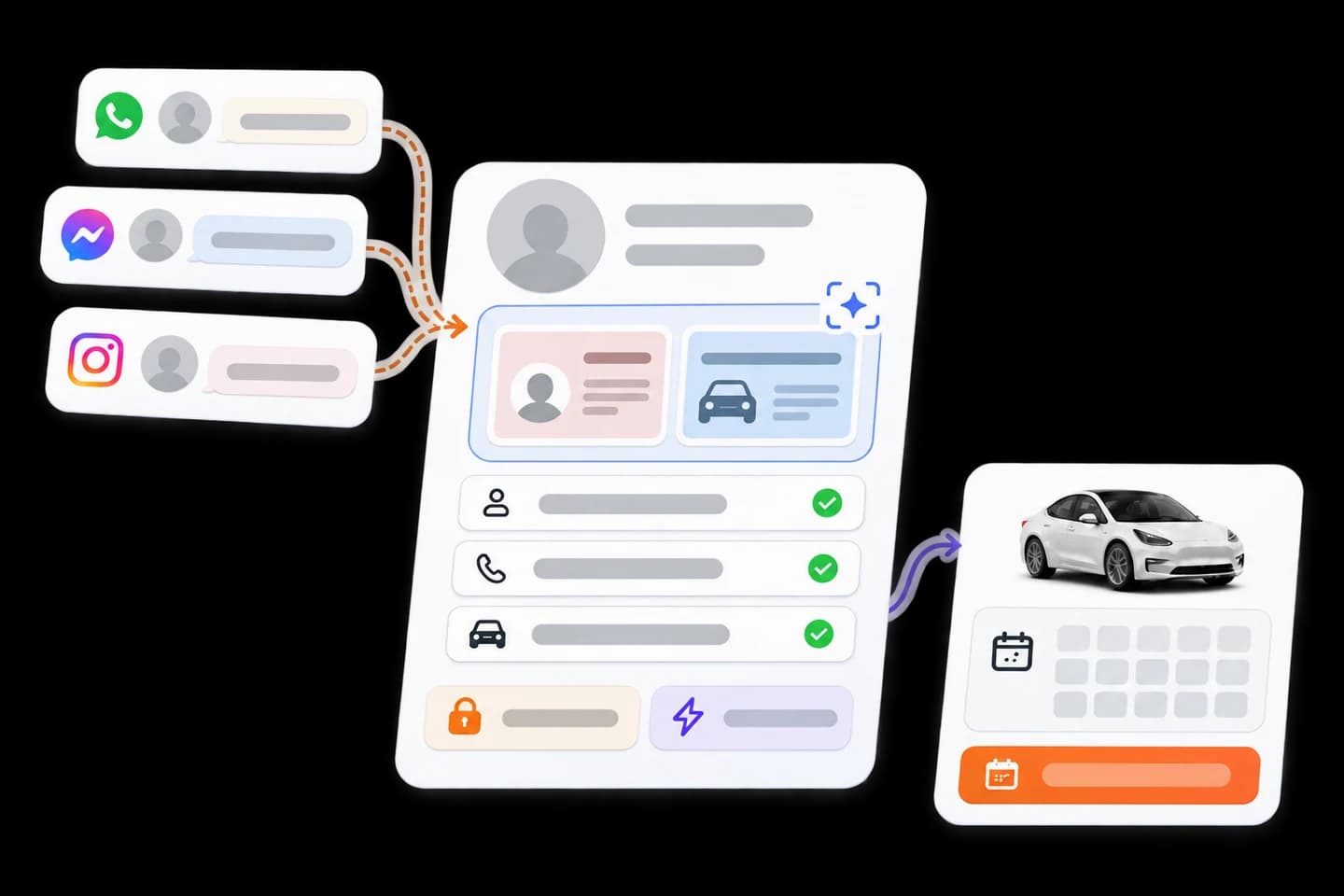
Bring WhatsApp, Messenger and Instagram messages into one workspace. In WhatsApp chats, keep customer details, bookings and documents alongside the conversation as you reply.
Requires connected company accounts. Messaging tools depend on the channel, connection settings and user permissions.
Keep the details close
A customer asks about collection or needs an invoice? Find the details and share them from the conversation without switching between separate tools.
The following tools are available in WhatsApp conversations. Messenger and Instagram capabilities vary by channel and connection.
Customers and bookings in view
Link a WhatsApp conversation to an existing customer or create a customer record. Review current and previous bookings, then open the booking you need from the customer panel.
Share the right document
Share booking details or a customer portal link. Prepare an available rental invoice or agreement, preview the file, then send it in the conversation.
Images, files and voice messages
Send attachments, view incoming images and files, and listen to voice messages. Revisit attachments from the loaded conversation when you need them.
Quick replies for daily questions
Insert a saved reply to a common question and edit it before sending. Authorized users can manage the company's reply library to suit the team's workflow.
Notes that stay with the team
Add internal notes to document follow-up details in the conversation without sending them to the customer, keeping context available to authorized team members.
Find the detail you need
Search within a conversation, pin important messages for later, and reply to a specific message with its context attached.
From the first message to follow-up
Connect your company channels
Set up company accounts in conversation settings. Messages from connected channels appear in a combined conversation list that identifies each channel.
Open the conversation in context
Select a customer's conversation. In WhatsApp, link their customer record to review bookings and the details you need before replying.
Reply and follow through
Reply through the connected channel. Use WhatsApp tools to share documents, add internal notes and keep important details available for follow-up.
Multiple channels, set up for your business
Start with the channels your customers use. Account requirements and connection steps vary by channel, and management tools follow user permissions.
Talk to us about setupWhatsApp: connect your company account to manage conversations and use booking and document tools from your workspace.
Messenger: connect your company Page according to available integration settings and Meta account requirements.
Instagram: use a professional account with the required messaging permissions and connection setup.
Company accounts and permissions: ensure access to the channels. Authorized users handle account connections and management.
Which channels appear in Conversations?
Conversations brings together WhatsApp, Messenger and Instagram messages from accounts connected to your company. Receiving and sending messages requires completed channel setup, the necessary permissions and supported settings.
Can I see a customer's bookings while chatting?
Yes. In WhatsApp conversations, link the chat to a customer record to view current and previous bookings in the side panel and open the booking you need, subject to your permissions.
Can I send rental invoices and agreements from a conversation?
WhatsApp booking tools let you select an available rental invoice or agreement, prepare the file and preview it before sending. You can also share booking details and a customer portal link.
Are the same tools available in every channel?
Capabilities vary by channel. The booking, document, quick reply and internal note tools described here are for WhatsApp. Messenger and Instagram depend on Meta requirements, integration settings and available permissions.
Bring every message closer to the next step
See how Fleetraly connects customer conversations with daily work, and explore the channel setup that fits your company.